Your vinyl cutter is only as good as the designs you feed into it. Quality design software is essential, but you don't need to spend a fortune. This guide compares software options suitable for UK-based vinyl cutters, from complete beginners to experienced designers.
Free Software Options
Inkscape is the go-to free option for many UK crafters. This open-source vector editor is powerful, regularly updated, and has an active community. It has a learning curve, but excellent tutorials exist online. Completely free, forever.
Canva offers a web-based design platform with a free tier. It's intuitive and great for simple designs, though you'll hit limitations with more complex projects. Premium features cost around £10 monthly.
Cricut Design Space is free if you own a Cricut machine. It's user-friendly with thousands of designs available, though many require paid subscriptions.
Professional Paid Software
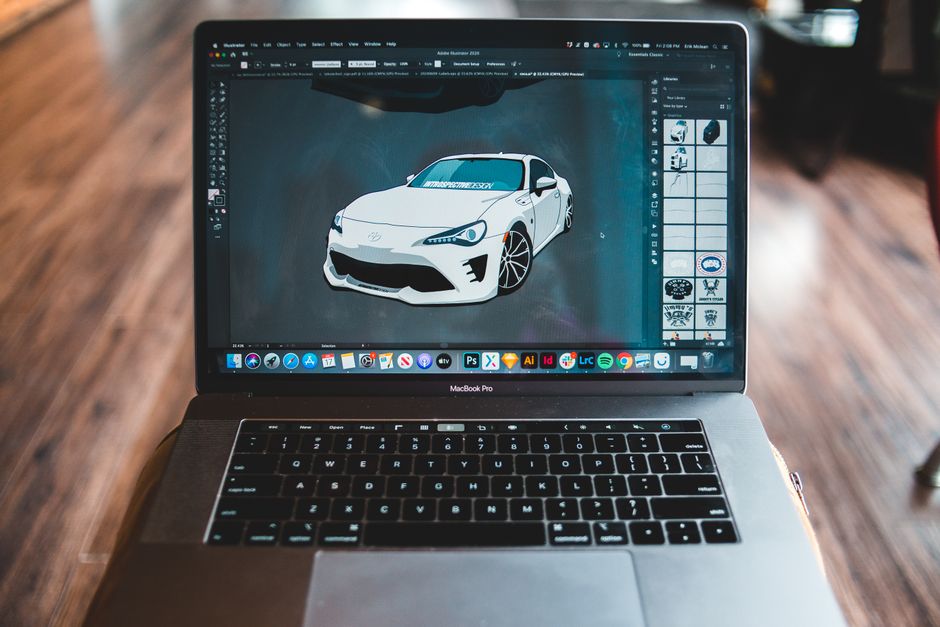
Adobe Illustrator is industry-standard vector software. At £19.99 monthly, it's powerful but overkill for many hobbyists. The learning curve is steep, but capabilities are unlimited. Perfect if you're serious about design.
CorelDRAW offers similar functionality to Illustrator with a one-time purchase option (around £300-£400). Many UK designers prefer it for vinyl work due to its excellent vinyl-cutting features.
Silhouette Studio is free with your Silhouette machine, with a paid version (£50) offering advanced features. It's specifically optimised for vinyl cutting.
Choosing the Right Tool
- Beginners: Start with Canva or Cricut Design Space. They're forgiving and intuitive.
- Intermediate Users: Inkscape offers professional results at no cost, though it requires patience to learn.
- Professionals: Invest in Adobe Illustrator or CorelDRAW for unlimited creative potential.
Important Compatibility Notes
Always check that your chosen software exports to file formats your cutter accepts (usually SVG, PDF, or proprietary formats). Some machines have software restrictions—verify before purchasing.
Learning Resources
YouTube is invaluable. Search for your specific machine and software combination; UK crafters regularly post tutorials. Many libraries offer free access to design software through memberships, worth checking locally.
My Recommendation
Start free with Inkscape or your machine's bundled software. As you develop your skills and identify your needs, upgrade if necessary. Most successful UK vinyl cutters operate profitably using free or mid-range software, reserving premium tools for specific advanced projects.